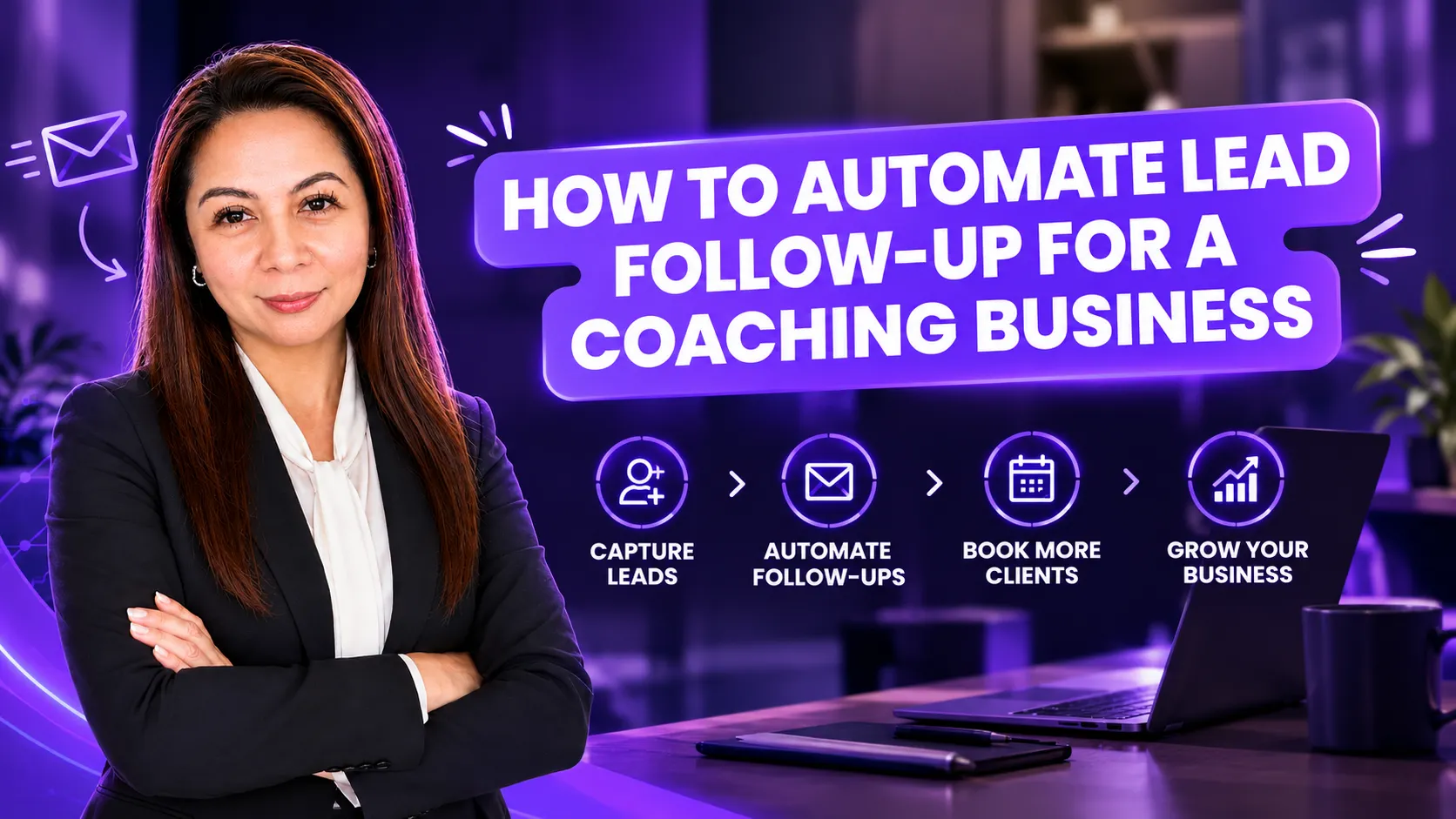
How to automate lead follow-up for a coaching business.
How to automate lead follow-up for a coaching business.
Oct 01, 2026
A coach gets a discovery call request on a busy Tuesday. She plans to reply that evening. Then a session runs long, dinner needs cooking, and the message sits. By Friday, the lead has booked with someone else.
Nobody in that story was lazy. The follow-up just lived in someone's head instead of in a system.
I know that feeling. When I handled everything by hand, follow-up was the first thing to slip. I cared about every lead. But it all depended on me remembering, and some weeks I didn't. This post walks through how I approach automating lead follow-up for a coaching business, step by step, in plain language.
Why lead follow-up breaks in a coaching business
In my experience, many coaches don't have a lead problem first. They have a gap between "someone showed interest" and "someone booked a call."
That gap usually looks something like this:
- Leads come in from different places, like a website form, Instagram DMs, LinkedIn messages, and webinar sign-ups, and land in different inboxes.
- There is no single list of who is still waiting for a reply.
- Follow-up happens when there is free time, and in a coaching business that is rare.
- After the first message, there is no second or third touch, so warm leads slowly go cold.
None of this means the coach made a bad decision. Usually the business simply grew faster than the system behind it.
Start with Clarify: map what happens now
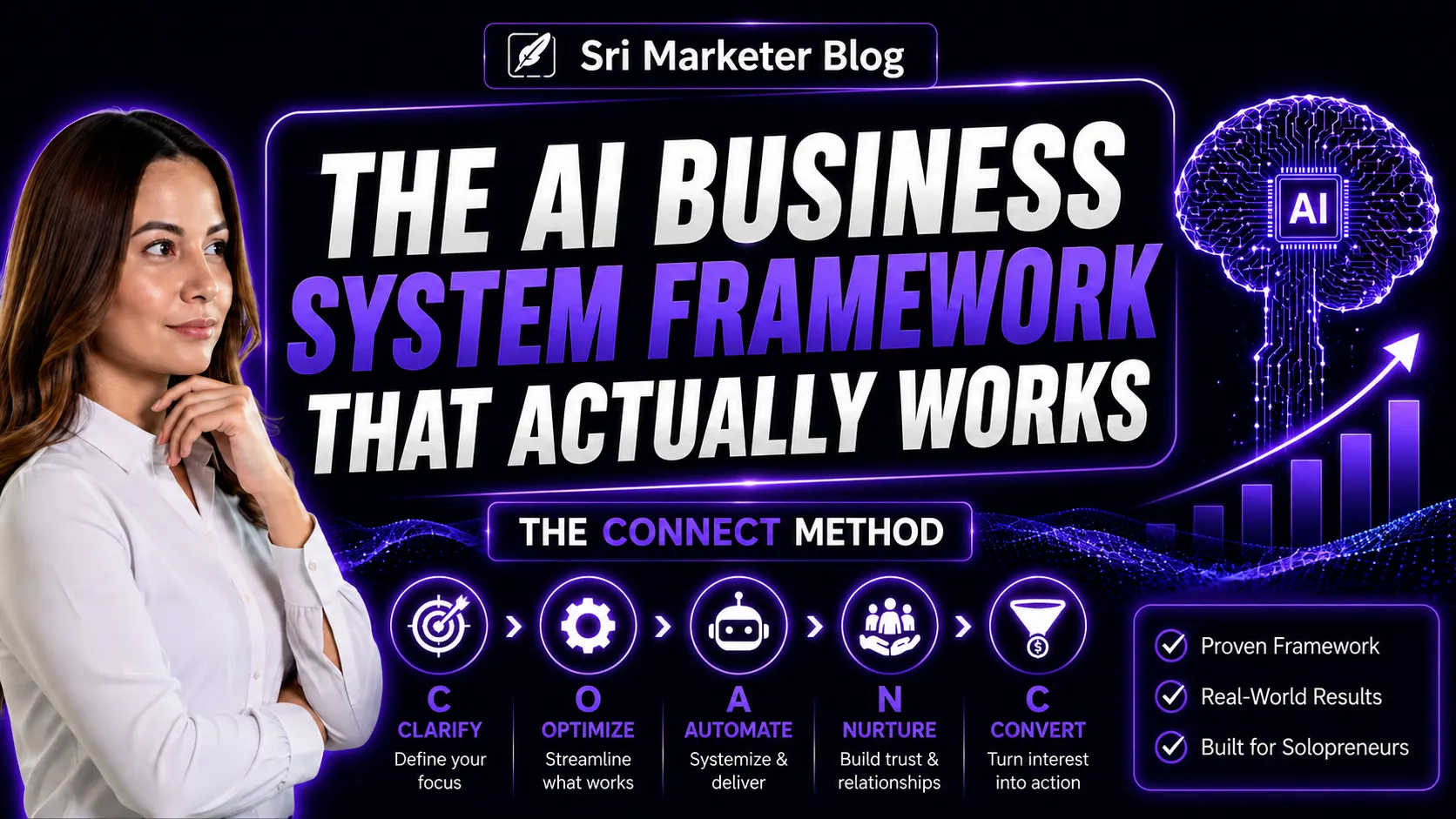
Before you automate anything, write down what happens today when a new lead arrives. This is the Clarify step in my CONNECT Framework, and I never skip it. Don't automate confusion.
Answer these questions on paper or in a simple doc:
- Where do your leads come from? List every source, even the small ones.
- Where does each lead land right now? Email, DMs, a spreadsheet, or your memory?
- Who replies, and how quickly?
- What do you send them? Is it roughly the same each time?
- What is the next step you want them to take? For most coaches, it is a discovery call.
- What happens if they don't take that step?
Once you can see the whole path, the gaps tend to show up on their own. Those gaps are what you automate.
The automated follow-up flow, in five stages
You don't need a complicated setup to start. Here is the basic flow I build. Treat it as a starting point and shape it around the tools and habits you already have.
- Capture every lead in one place. Every form, webinar sign-up, and lead magnet sends contacts to one email list or CRM. DMs are harder to automate, so at minimum, give yourself a quick way to add those contacts by hand.
- Send an instant reply. The moment someone signs up, they get a short, warm email. Thank them, deliver what they asked for, and tell them what happens next. Write it the way you would talk to them.
- Follow up over the next few days. Set up a short email sequence, spaced a few days apart. Share a useful idea, answer a question people often have before hiring a coach, and invite them to book a call. How many emails and how far apart is something you can test.
- Make booking easy. Every follow-up email links to your booking page. When someone books, the system tags them and stops the sales emails. That way nobody gets an "Are you still interested?" email after they already booked.
- Remind and route. Booked leads get reminders before the call. Leads who don't book move into your regular newsletter, so you stay in touch without pushing.
The tools I actually use (and why yours may be fine)
In my own business, I use Brevo for email and automation, Calendly for booking, and Make.com to connect tools that don't talk to each other directly. I share these so you can see a real setup. They are not the only right choice.
If you already use another email platform, CRM, or booking tool, start there. What you need is simple: something that reacts when a person signs up, sends a short series of emails, and marks a contact once they book. The system matters more than the name on the tool.
One lesson from my own setup: the built-in connection between two of my tools kept failing. Instead of giving up, I connected them more directly through Make.com. You probably won't need that on day one. But it helps to know there is usually a way around a stuck connection.
What to keep human
Automation takes care of timing. It should not take over the relationship. Coaching is personal, and people can tell when every message is a template.
Here is what I keep personal:
- Replies to real questions. If someone writes back, a person answers.
- DMs that start a conversation. Let automation remind you to reply, not reply for you.
- The discovery call itself.
- Any lead who shares something specific or sensitive about their situation.
AI can help you draft those replies faster. I use it that way myself. But the final message should still sound like you, and you should read it before it goes out.
Where to start
Pick one lead source, usually your main website form or lead magnet, and build the flow for that first. Get it working. Then add the next source.
If you want a second pair of eyes, my Workflow Audit maps how leads move through your business today and shows where follow-up is slipping. If you already know what you want built, my Automation Setup service builds the flow with you, around the tools you already use.
Popular Posts


















Sri Krsna Sagun
Marketing Systems Consultant & AI Strategist helping coaches, consultants & SMEs build AI-powered business systems.
Book a Free Call →
{
"@context": "https://schema.org",
"@type": "BlogPosting",
"headline": "How to Automate Lead Follow-Up for a Coaching Business",
"description": "Learn how to automate lead follow-up for your coaching business, from capturing every lead to booking calls, without losing the personal touch.",
"image": "[FEATURED-IMAGE-URL]",
"datePublished": "[YYYY-MM-DD]",
"dateModified": "[YYYY-MM-DD]",
"author": { "@id": "https://srimarketer.com/#person" },
"publisher": { "@id": "https://srimarketer.com/#business" },
"mainEntityOfPage": {
"@type": "WebPage",
"@id": "https://blog.srimarketer.com/post/automate-lead-follow-up-coaching-business"
},
"url": "https://blog.srimarketer.com/post/automate-lead-follow-up-coaching-business",
"articleSection": "Business Growth",
"keywords": "automate lead follow-up, coaching business automation, lead follow-up for coaches, email follow-up sequence, discovery call booking"
}