Here's What Gemini Omni Means for Your Business
Here's What Gemini Omni Means for Your Business
May 20, 2026
By Sri Krsna Sagun | The Quiet Builder
I was sitting at my desk this morning, scrolling through LinkedIn, when I saw a post that stopped me mid-scroll.
"Google just broke the internet again."
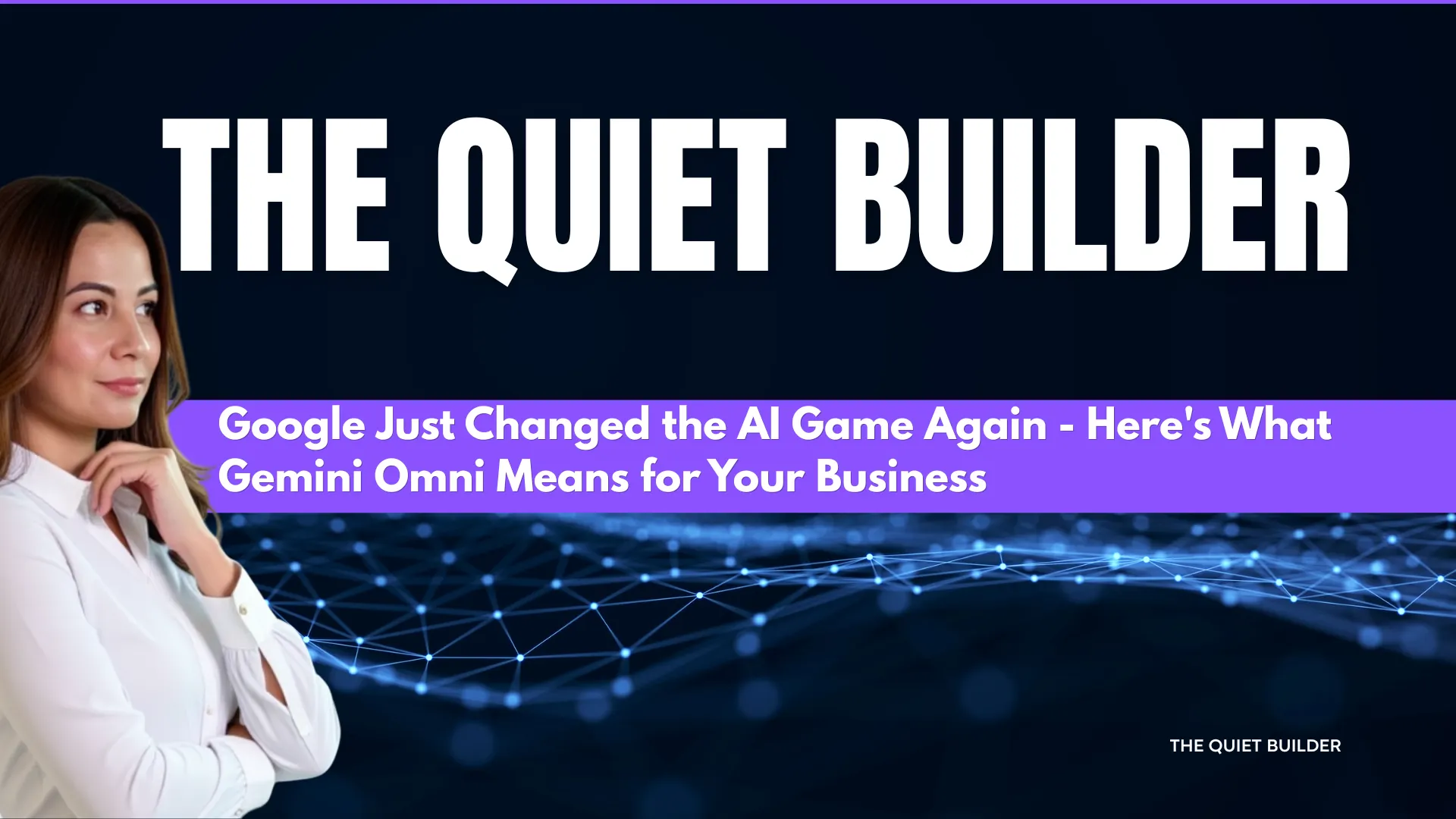
It was about Google I/O 2026 — Google's annual developer conference — and the headline announcement: Gemini Omni.
As someone who uses AI tools daily to run my consulting practice, build my blog, create content and serve my clients — I immediately stopped what I was doing and went to explore it myself.
This post is my honest, plain-language breakdown of what Gemini Omni actually is, what I discovered when I tested it today, and — most importantly — what it means for you as a consultant, coach, SME owner or solo operator trying to build a business with AI.
No jargon. No hype. Just what I found and what I think you should know.
First — What Even Is Gemini Omni?
Let me clear up the confusion I had at first.
Gemini Omni is not a new app.
It's not something you download separately or sign up for. It's a new model — a major upgrade — inside Google's existing Gemini platform.
Think of it this way:
If Gemini is your toolbox, Omni is the upgrade that replaces your separate hammer, screwdriver, wrench and drill with one intelligent multi-tool that does everything at once.
The name "Omni" comes from the Latin word meaning "all" — and that's exactly what it does. Where previous AI models handled text, images, audio and video separately — each requiring a different tool, a different prompt, a different workflow — Gemini Omni handles all of them together, in one conversation, with one input.
You describe what you want. Omni figures out the rest.
Understanding the Technology Behind Omni — Nano Banana, Veo and Gemini
Before we get into what this means for your business, let me explain something that confused me at first — and might confuse you too.
When people say Gemini Omni requires "Nano Banana integration" — what does that actually mean?
Here's the simple breakdown:
Nano Banana is Google's AI image generation model. It's already been inside Gemini for a while — it's what powers the image creation feature you may have already used. It became massively popular last year for meme generation and conversational image editing, helping Gemini overtake ChatGPT in app downloads for the first time.
Veo is Google's AI video generation model. It's been powering Gemini's video creation features.
Gemini Omni is the new unified brain that combines Nano Banana + Veo + Gemini's intelligence into one single system.
Think of it like this:
- Before: You had three separate engines — one for images (Nano Banana), one for video (Veo), one for text (Gemini). They could work together but not seamlessly.
- After: Omni is one engine that runs all three simultaneously, with Gemini's intelligence directing everything.
So when the LinkedIn post you saw mentioned Omni needing Nano Banana to produce quality AI video — it's not a separate integration you have to set up. Nano Banana is already baked into Omni. It's the image layer that feeds into the video output, which is why the visuals look so consistent and high quality.
You don't need to do anything extra. It's all inside one system. That's the point.
The Old Way vs The New Way
Here's what this means practically:
Before Gemini Omni:
- Write text → use ChatGPT or Claude
- Generate an image → use Canva AI or Midjourney
- Create a video → use HeyGen or Descript
- Add audio → use ElevenLabs
- Edit it all together → spend hours switching between tools
With Gemini Omni:
- Describe your idea in one prompt
- Get text, images, video and audio output — together
- Edit conversationally — "change the background," "make her look more relaxed," "add a coffee cup"
- Done.
As someone who currently uses GrooveFunnels for my website and membership site, Descript for my AI Video Podcast, Canva for design and multiple AI tools for content — the idea of one tool handling all of this is genuinely exciting.
Not because it replaces everything. But because it could eliminate the constant context-switching that eats hours every week.
What I Actually Tried Today
I went straight to gemini.google.com to test it myself. Here's what happened honestly:
The Image Generation Test
I uploaded a photo of myself and asked Gemini to create a realistic image of me working in a coffee shop — navy blazer, laptop, latte, warm bokeh lighting.
The result? Impressive scene. Wrong face.
The coffee shop looked stunning — warm lighting, exposed brick, beautiful composition. But the face wasn't quite mine. AI still struggles with face consistency from a reference photo. I tried again with a more detailed prompt specifying my exact features.
Gemini's response? "Can you ask me again later? I'm being asked to create more images than usual."
Google I/O day traffic had overwhelmed the servers. Even Google's AI hits limits on launch day.
The Video Generation Test
I tried to generate a short cinematic video from a text prompt. Same result — usage limit hit.
"I can create more videos as soon as your limit resets."
What Actually Worked — The Setup
What I could do — and what turned out to be genuinely useful — was setting up Personal Intelligence in Gemini. This is where the real practical value lives for business users.
I configured:
- Memory — Gemini learns from our conversations over time
- Connected Apps — linked Google Workspace so Gemini can access Gmail, Google Docs, Google Drive and Calendar
- Instructions for Gemini — I gave it my full business context so every response is tailored to my work
Now when I ask Gemini anything, it knows I'm a Marketing Systems Consultant building an AI-powered business, running The Quiet Builder blog, managing a membership site at sklearningonline.com and applying the CONNECT Framework to everything I do.
That context alone makes it dramatically more useful.
The Honest Truth About Access
Here's something nobody tells you in the hype posts:
The best Gemini Omni features are behind a paywall.
On the free plan you get:
- ✅ Text chat with Gemini 3.5 Flash
- ✅ Limited image generation
- ✅ Canvas for writing and documents
- ✅ Gemini Live voice conversations
- ✅ Google Workspace integration
- ✅ Omni via YouTube Shorts only (rolling out this week)
To access full video generation and unlimited creative features you need Google AI Plus at $7.99/month or higher.
My take? Don't rush to upgrade yet. Test the free tier first. Wait for Omni to roll out to YouTube Shorts — that's coming for free users this week. See if it genuinely fits your workflow before spending money on another subscription.
What Gemini Omni Means for Solo Operators and Small Businesses
Even with the paywall caveat — here's why this announcement matters for people like us.
1. The End of Fragmented Workflows
The biggest friction I see in my clients' businesses isn't the technology. It's the constant context-switching between 10 different tools.
One system that understands text, image, video and audio simultaneously changes that entirely. You don't have to explain your brand, your tone, your visual style to five different tools. One conversation. One context. One output.
2. AI Content Creation Just Got More Accessible
Right now, producing video content as a solo operator requires either technical skill, expensive tools or both. Gemini Omni's promise — describe it in plain language and watch it come to life — lowers that barrier dramatically.
For my AI Video Podcast, this could mean generating visual content, thumbnails and short clips from a single prompt instead of the multi-tool workflow I currently use with Descript, Canva and HeyGen.
3. The Google Ecosystem Advantage
Unlike standalone AI tools, Gemini Omni is deeply integrated into Google's entire ecosystem — Search, Gmail, Docs, Drive, YouTube, Android. If you already live in Google's world (and most of us do), this isn't another tool to learn. It's an upgrade to tools you're already using.
4. Gemini Spark — Your AI Agent
Also announced today: Gemini Spark — an AI agent that works proactively on your behalf across your connected apps. It can check your calendar, summarise your emails, flag priorities and take action — all under your direction.
This is exactly the kind of agentic AI I wrote about in my post about the coffee shop afternoon that changed how I think about AI. The future isn't just AI that answers questions. It's AI that runs tasks while you focus on the work only you can do.
My CONNECT Framework Take on Gemini Omni
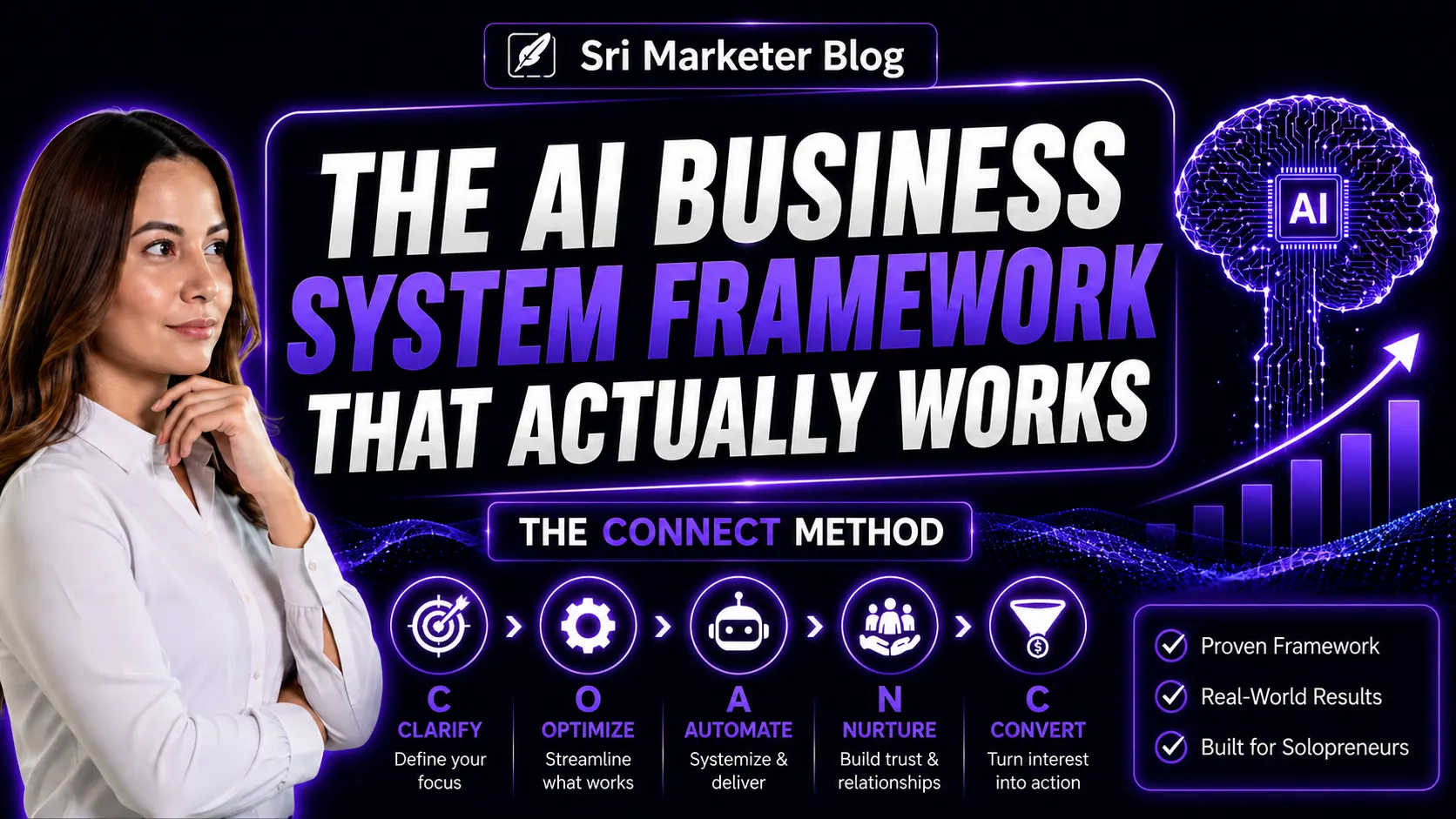
Since everything I do runs through my CONNECT Framework, here's how I'd apply it to Gemini Omni:
Clarify — Before you dive in, get clear on which part of your workflow actually needs a multimodal tool. Not everything does. Identify your biggest content bottleneck first.
Optimize — Start with the Personal Intelligence setup. Configure your instructions and connected apps before you do anything else. This makes every interaction smarter from day one.
Automate — Once Omni is fully rolled out, explore whether it can replace multiple tools in your content pipeline. One tool doing the work of five is automation without the complexity.
Nurture — Use Omni's content creation capabilities to show up more consistently for your audience — more video, more visual content, more formats — without adding to your workload.
Convert — Better content, produced faster, means more visibility. More visibility means more conversations. More conversations means more clients.
Should You Switch to Gemini Omni Now?
Honest answer: Not entirely. Not yet.
Here's my recommendation based on what I explored today:
- Set up Personal Intelligence now — it's free and immediately useful
- Test the free tier for text and writing tasks — compare it to your current tools
- Wait for YouTube Shorts Omni — test the video feature for free before paying
- Revisit in 30 days — the tool will be more stable and less overloaded by then
The technology is genuinely exciting. But the best move for a solo operator isn't to chase every new tool. It's to understand what it can do, test it practically, and integrate it where it actually saves you time.
That's the systems thinker approach. And that's exactly what I'll be doing.
Where to Start Building Your AI-Powered Business Today
If today's post got you thinking about how AI fits into your business — here's where I'd suggest starting:
- 📓 NotebookLM Mastery — learn to use AI as a genuine thinking partner and research tool in your business. Free access.
- 🤖 The CONNECT Framework Course — my step-by-step system for building an AI-powered business that generates leads without the overwhelm. Free access.
- 👩💻 AI for Moms — if you're building alongside family life, this one was made for you. Free access.
And if you're looking for an all-in-one platform to host your website, blog and membership site — GrooveFunnels is what I use and recommend. It eliminates the need for multiple separate tools — which is very on-brand for everything we just talked about.
Final Thought
Google I/O 2026 reminded me of something important.
The tools keep getting better. The capabilities keep expanding. The barriers keep falling.
But the one thing AI still cannot do — is decide what to build, why to build it, and who to build it for.
That part is still entirely yours.
And that's not a limitation. That's your competitive advantage.
Sri Krsna Sagun is a Systems Architect and AI Strategist, and the creator of the CONNECT Framework — helping consultants, coaches and SMEs build automated, AI-powered marketing systems that generate leads and free up their time.
This post is part of Srimarketer Blog — honest lessons from building a business in the age of AI.
Found this useful? Share it with someone who's trying to make sense of all the AI noise today.
Popular Posts
















Sri Krsna Sagun
Marketing Systems Consultant & AI Strategist helping coaches, consultants & SMEs build AI-powered business systems.
Book a Free Call →